
- Admin → Connectors is the organization’s sources. Synapse Admins connect them once, for everyone, and only they see this page in the menu.
- You → My connections is your own linked accounts. Only you see and change them.
Organization sources
Admin → Connectors lists every source, grouped by where it stands. Search the list, or choose Refresh statuses to check them all again.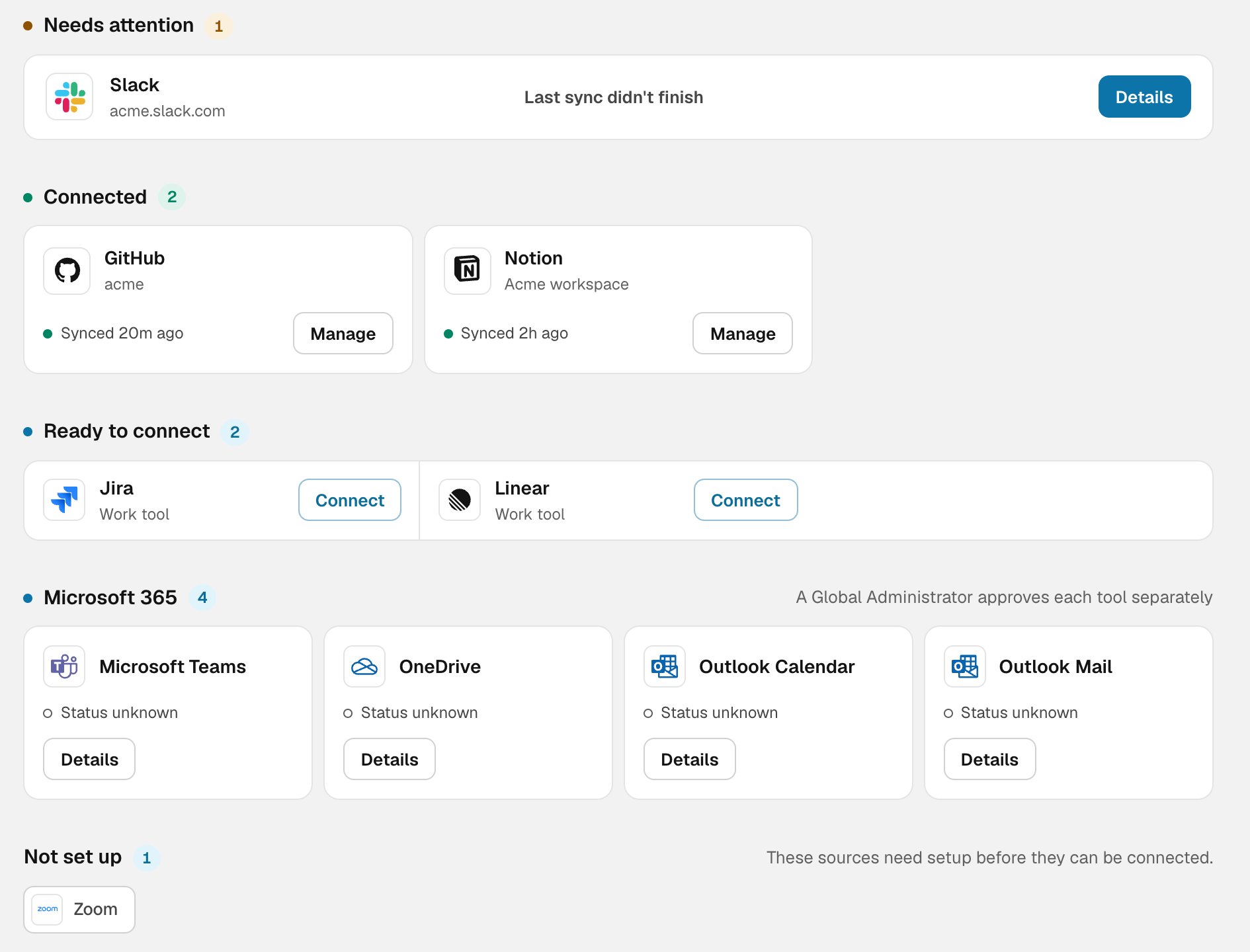
Organization sources, grouped by status
Select a source to open its details: what Synapse reads from it, what it never sees, when it last synced, and when its credential expires.
What each source gives Synapse
Work and knowledge
For GitHub, you can also choose which deployments count as production. See Production deploys.
AI tools
No AI tool connector sees prompts, responses or code. Cloud monitoring doesn’t report who made a request, so those three give totals only. What these figures show is covered in AI usage and AI spend.
Disconnecting
Disconnecting a source stops new imports. What it already imported is kept, unless you tick Also delete everything Synapse imported when you disconnect. Knowledge sources and people’s linked accounts aren’t changed.Your connections
You → My connections is for you. Linking an account matches it to activity your organization has already connected, so Synapse knows which part is yours. It doesn’t import anything new. You can link GitHub, Slack, Linear, Jira, Notion, Google Drive, Google Calendar, Outlook Calendar, Outlook Mail, Microsoft Teams and OneDrive. Your linked accounts feed My Effectiveness. Unlink any of them at any time. The page also has:- Life by Synheart. Connect Life to add your human state to My Effectiveness. Consent is given, and can be withdrawn, in the Life app.
- Local telemetry. Sent from the CLI on your own machine. It’s off until you turn it on with
synheart synapse telemetry on, which shows what is sent and asks first. It’s content-free by design: never prompts, responses or code. Delete local telemetry removes every session you’ve sent.